
Beim MOQO Summit 2026 haben mehr als 80 Provider am Product Lab und den Workshops teilgenommen — gemeinsam haben wir reale Probleme durchgearbeitet. Danke an alle, die dabei waren, Feedback gegeben und uns vorangebracht haben. Seit dem Summit ist eine Menge live gegangen. Hier ist alles, was jetzt verfügbar ist.
⚡ Verbessert · 📅 Buchung

Drei miteinander verknüpfte Verbesserungen machen Fahrzeugklassen-Buchungen deutlich stabiler — ohne manuelle Eingriffe Ihres Teams.
Wenn das einer Klassenbuchung zugewiesene Fahrzeug durch eine vorherige Buchung verzögert wird, weist das System automatisch ein anderes Fahrzeug derselben Klasse zu.
Statt eine Buchung automatisch zu stornieren, wenn das zugewiesene Fahrzeug kurz vor dem Start nicht mehr verfügbar ist, kann das System die Buchung jetzt aktiv halten. Ihr Operations-Team löst den Konflikt — im B2B-Kontext erwarten Kunden, dass die Buchung bestehen bleibt.
Klassenbuchungen werden für Zeitslots gesperrt, in denen bestehende Buchungen bereits auf ein Fahrzeug warten — damit die Klasse nicht mehr Nachfrage ansammelt, als sie bedienen kann.
Weniger manuelle Eingriffe, weniger überraschende Stornierungen und ein verlässlicheres Erlebnis für Ihre Fahrer — besonders im Corporate- und B2B-Kontext, wo Zuverlässigkeit entscheidend ist.
✨ Neu · 🪪 Fahrer
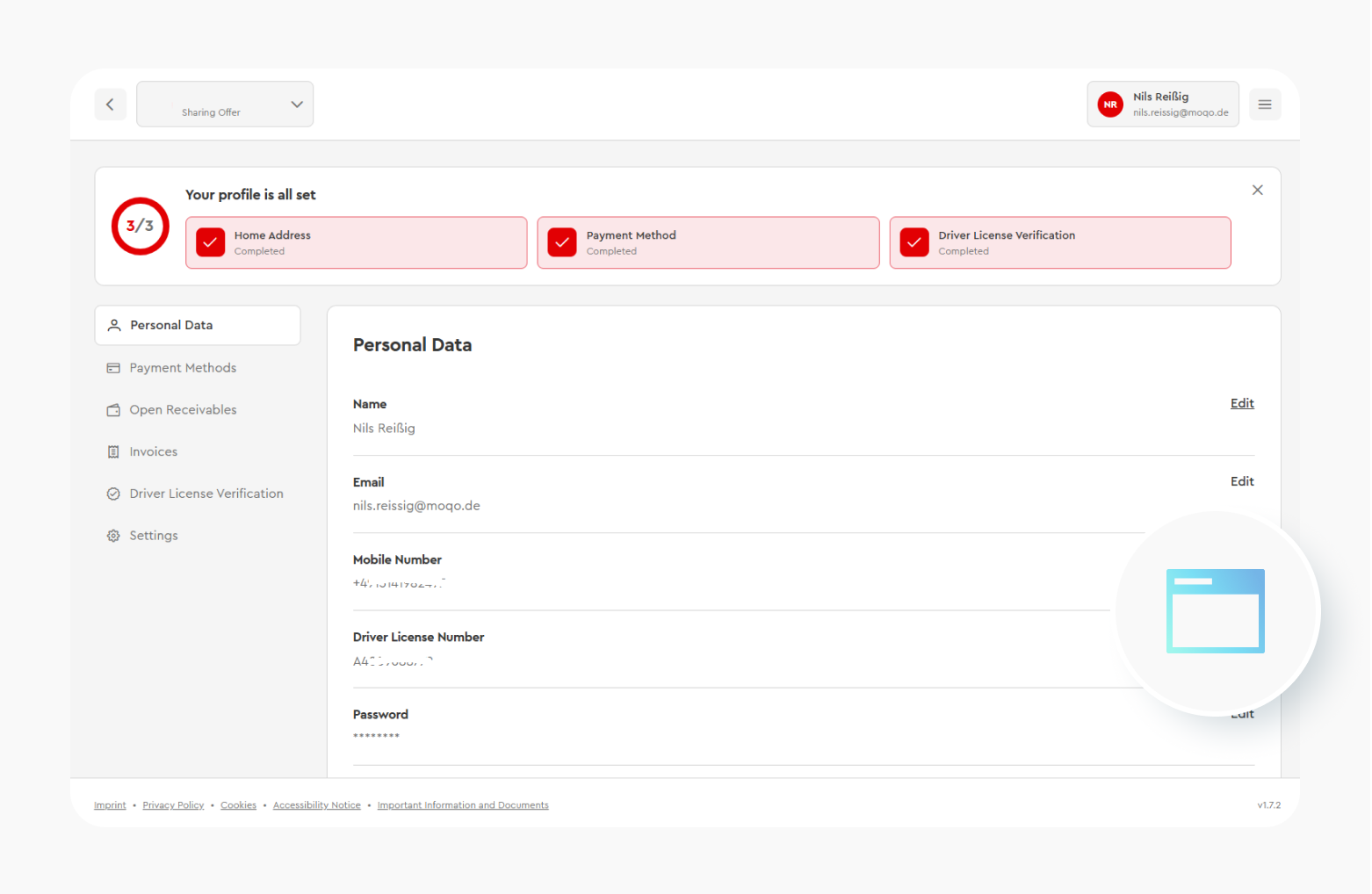
Die Web-Buchungsoberfläche verfügt jetzt über ein vollständiges Fahrerprofil mit Navigation zu persönlichen Daten, Zahlungsmitteln, Rechnungen, Führerschein, Abonnement-Übersicht, Family Sharing und einem Administrationsbereich inklusive Datenexport. Ein Banner und ein Modal leiten Fahrer an, fehlende Informationen zu ergänzen — ohne Aufwand für Ihr Team.
Fahrer rufen das neue Profil über die Web-Buchungsoberfläche auf. Vervollständigungs-Hinweise führen sie automatisch durch fehlende Schritte.
Fahrer, die lieber vorausplanen und vom großen Bildschirm buchen, haben jetzt eine vollwertige Erfahrung. Weniger Support-Aufwand für Ihr Team, mehr Self-Service für Ihre Fahrer.
✨ Neu · ⚙️ Operations
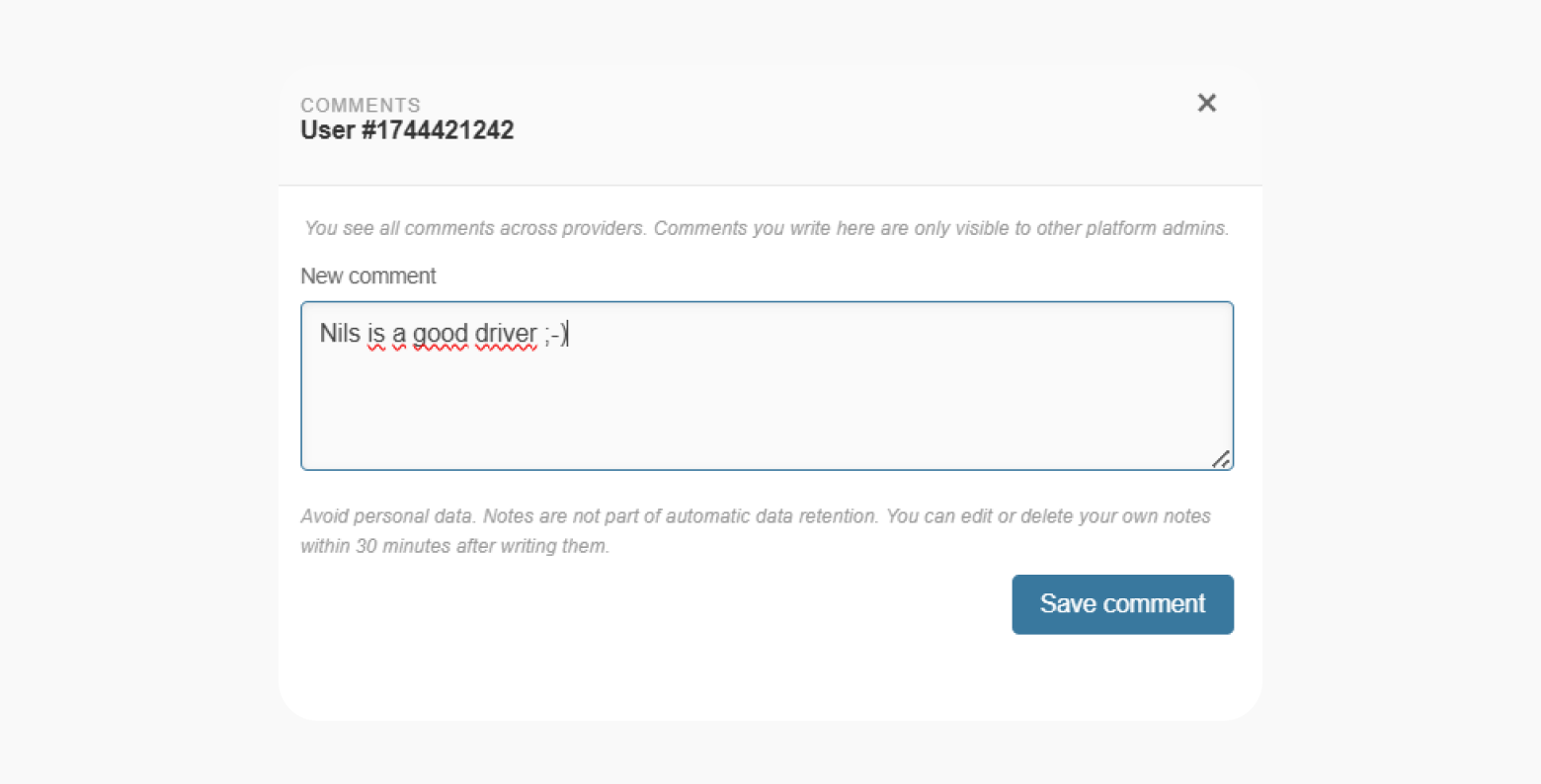
Sie können jetzt interne Notizen zu Buchungen, Fahrzeugen, Fahrern und Teams direkt im Portal hinzufügen — nur für Ihr Team sichtbar, nie für Fahrer.
⚡ Verbessert · 🛠️ Setup
Provider-Admins können jetzt verhindern, dass Team-Admins Team-Einstellungen, die Führerschein-Validierungskonfiguration oder das Betriebsgebiet ändern — für mehr Kontrolle über Ihre Plattformkonfiguration.
✨ Neu · 📅 Buchung
Wenn eine Stornierungskulanzfrist konfiguriert ist, sehen Fahrer auf dem Stornierungsbildschirm jetzt ein Label „Kostenlos stornierbar bis [Uhrzeit]“ — damit wissen sie sofort, ob sie noch gebührenfrei stornieren können.
⚡ Verbessert · 🪪 Fahrer
Fahrer können ihre Führerscheinnummer jetzt direkt in der App auf iOS, Android und Web aktualisieren — ohne den Support zu kontaktieren.
⚡ Verbessert · 💳 Zahlung
Rechnungen im neuen Web-Profil zeigen jetzt den Erstattungsstatus, unterstützen den direkten Download, verlinken auf die zugehörige Buchung, ermöglichen das Umschalten von E-Mail-Benachrichtigungen und enthalten Datumsfilter mit Voreinstellungen und benutzerdefinierten Bereichen.
⚡ Verbessert · 🪪 Fahrer · 🔌 API
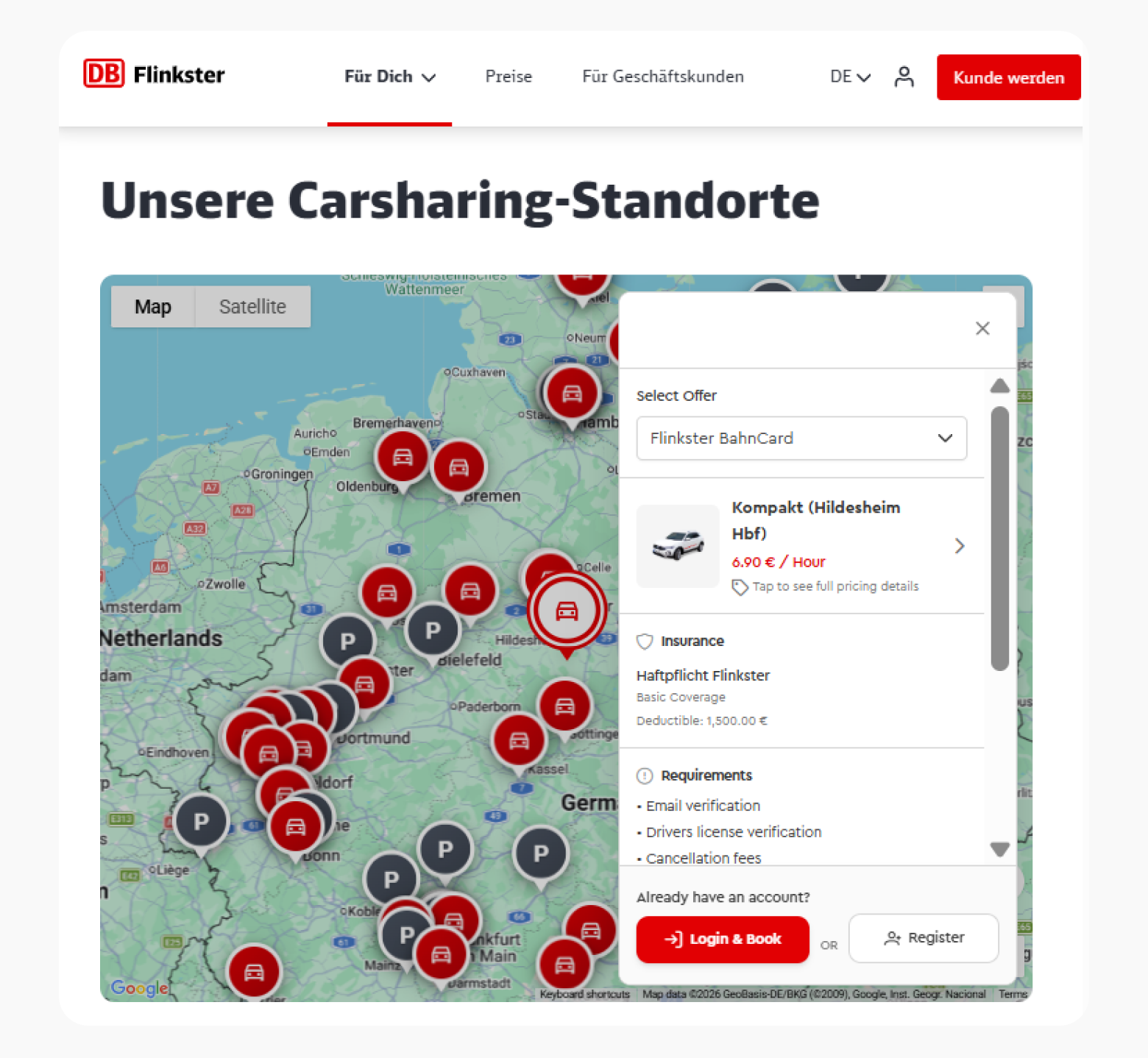
Die eingebettete Discovery Map unterstützt jetzt Deep Links zu einem bestimmten Fahrzeug — teilen oder einbetten Sie eine URL, die direkt auf das Detailpanel dieses Fahrzeugs öffnet.
⚡ Verbessert · 📅 Buchung
Nach dem Öffnen eines Fahrzeugs mit aktiviertem Auto-Lock sehen Fahrer jetzt einen klaren Dialog, der die 30-sekündige Wiedersperrung erklärt — der Fahrzeugsteuerung-Bildschirm wurde ebenfalls mit einem übersichtlicheren Layout und klareren Aktionskarten neu gestaltet.
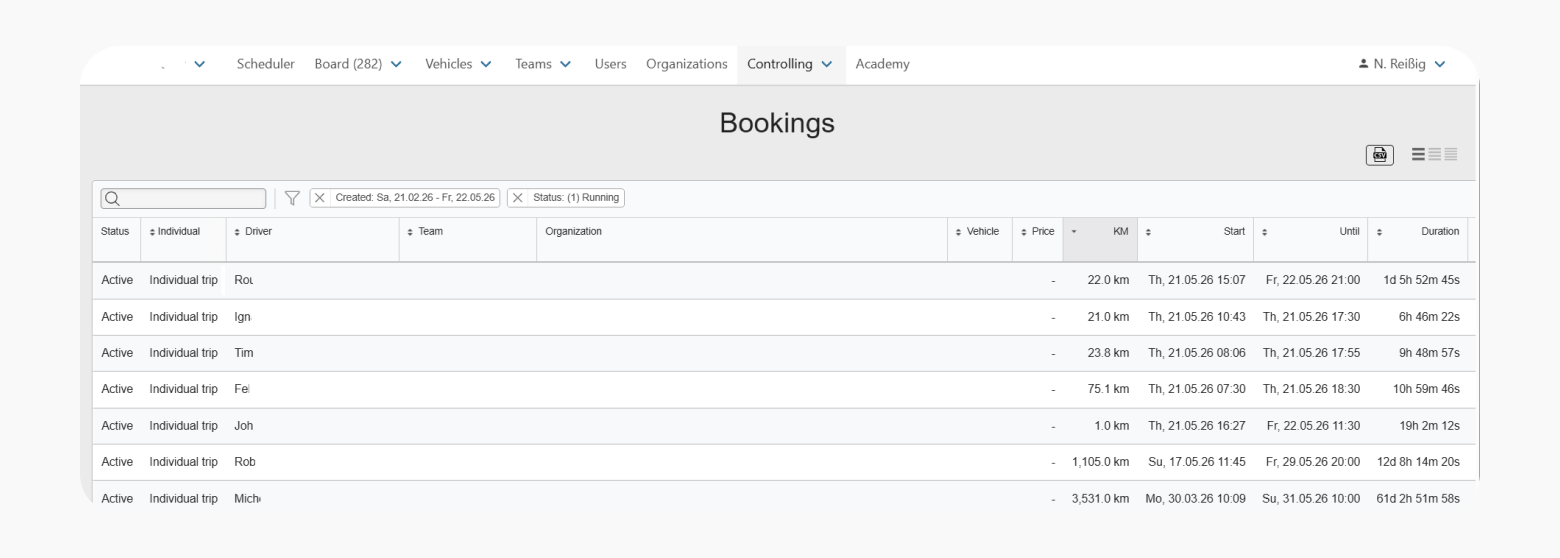
⚡ Verbessert · 🚗 Flotte
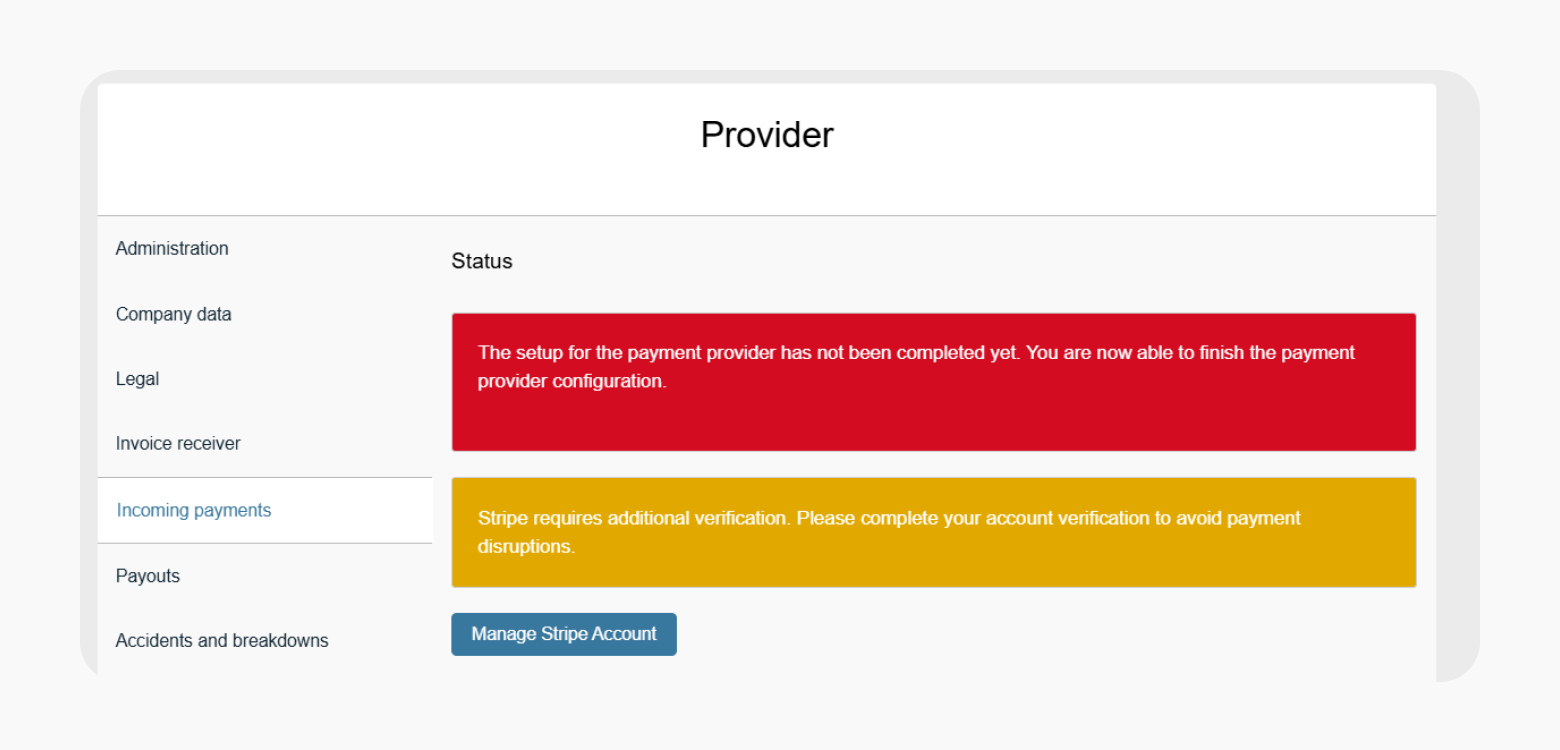
⚡ Verbessert · 💳 Zahlung
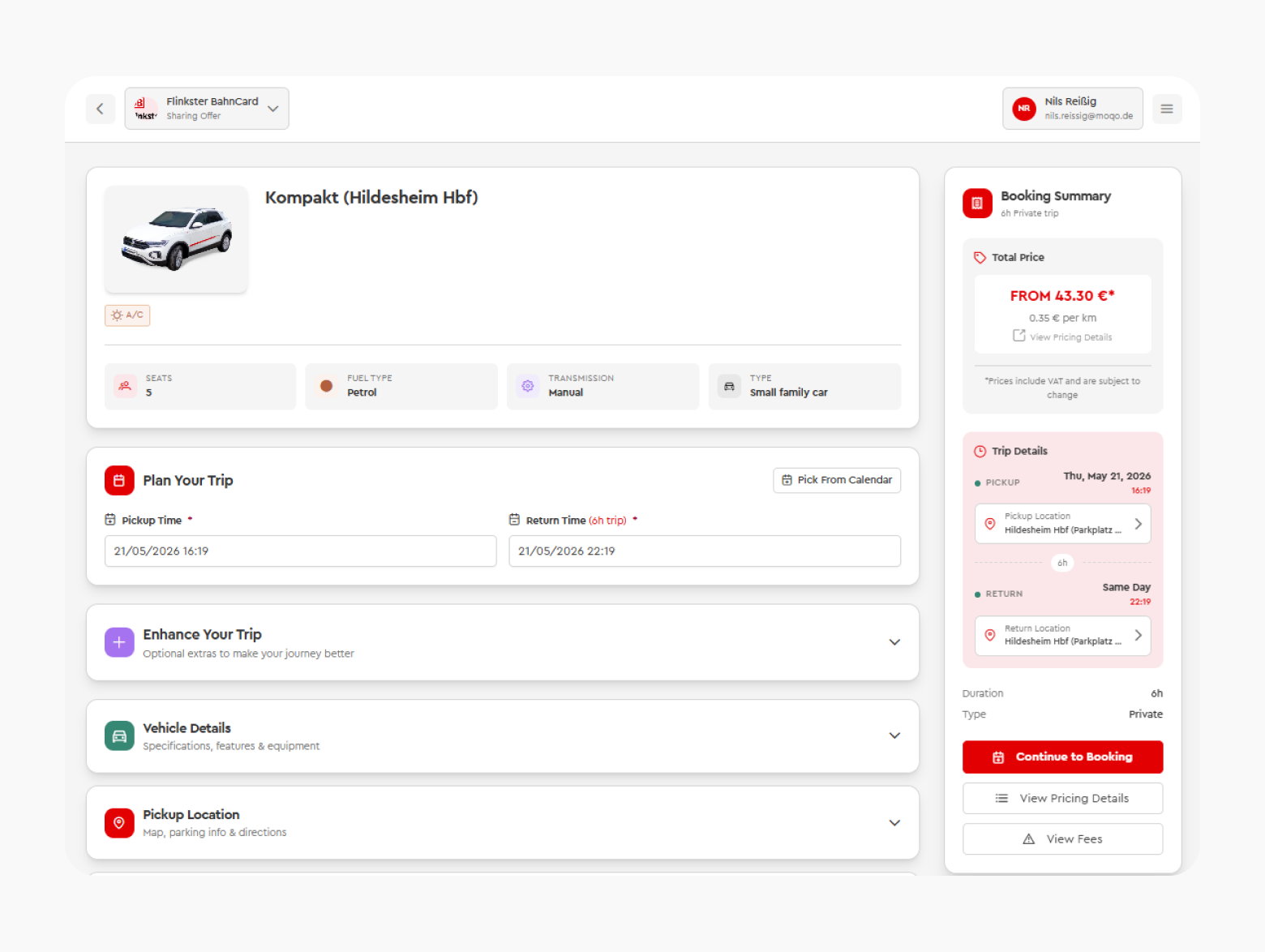
⚡ Verbessert · 🪪 Fahrer
⚡ Verbessert · 🔌 API
