With the holiday season coming up, discount codes now work with a booking window in days, ready for your next campaign. The MOQO AI Assistant has received weekly updates since October, drivers get a clear checklist and an onboarding quiz in your brand, and the driver apps make vehicles and parking spots easier to find. Here's what shipped. And we're delighted to have ZEV on board: a member-owned EV carshare cooperative in Washington State and our first provider on the US West Coast.
📢 Announcement
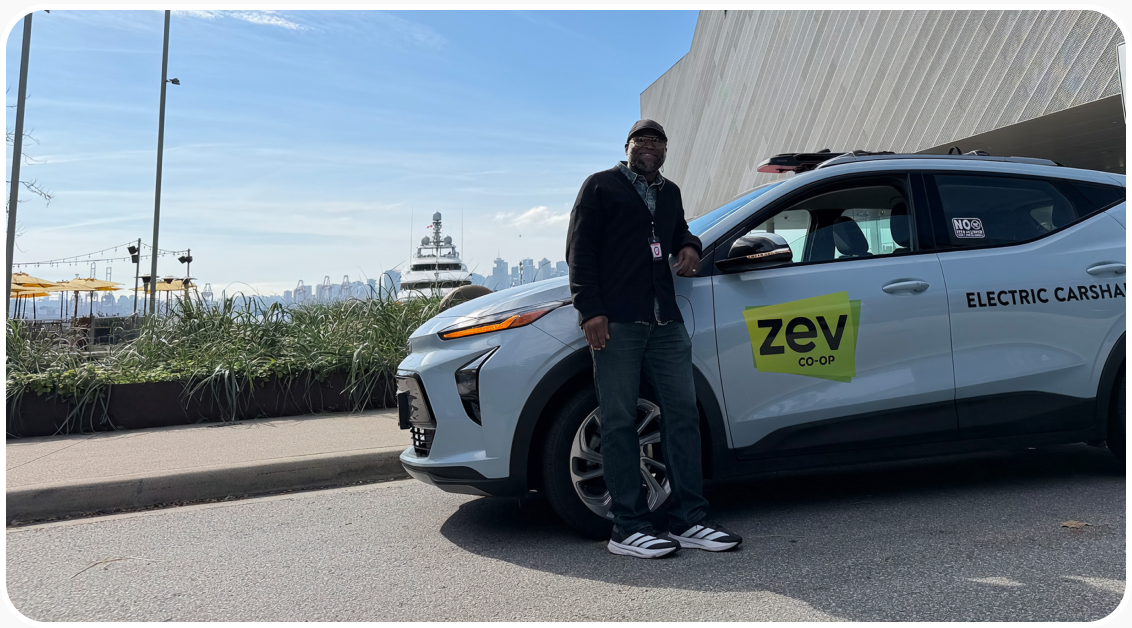
Please welcome ZEV, the Zero Emission Vehicle Cooperative, to the MOQO community: our first provider on the US West Coast, live since early October. ZEV is a member-owned, democratically controlled EV carshare in Washington State. Most of its vehicles are located around Seattle, supplemented by rural locations near affordable housing. The goal: making sedans, trucks and vans accessible to communities that might otherwise be left out of shared mobility.
Big thanks to the ZEV team for the trust, the openness and the great collaboration on the way to launch. We are proud to be part of your mission to improve people's lives through better mobility.
Drivers can get the ZEV Carshare app on the App Store and Google Play.
Read the ZEV story on our blog →
⚡ Improved · 🏷️ Pricing
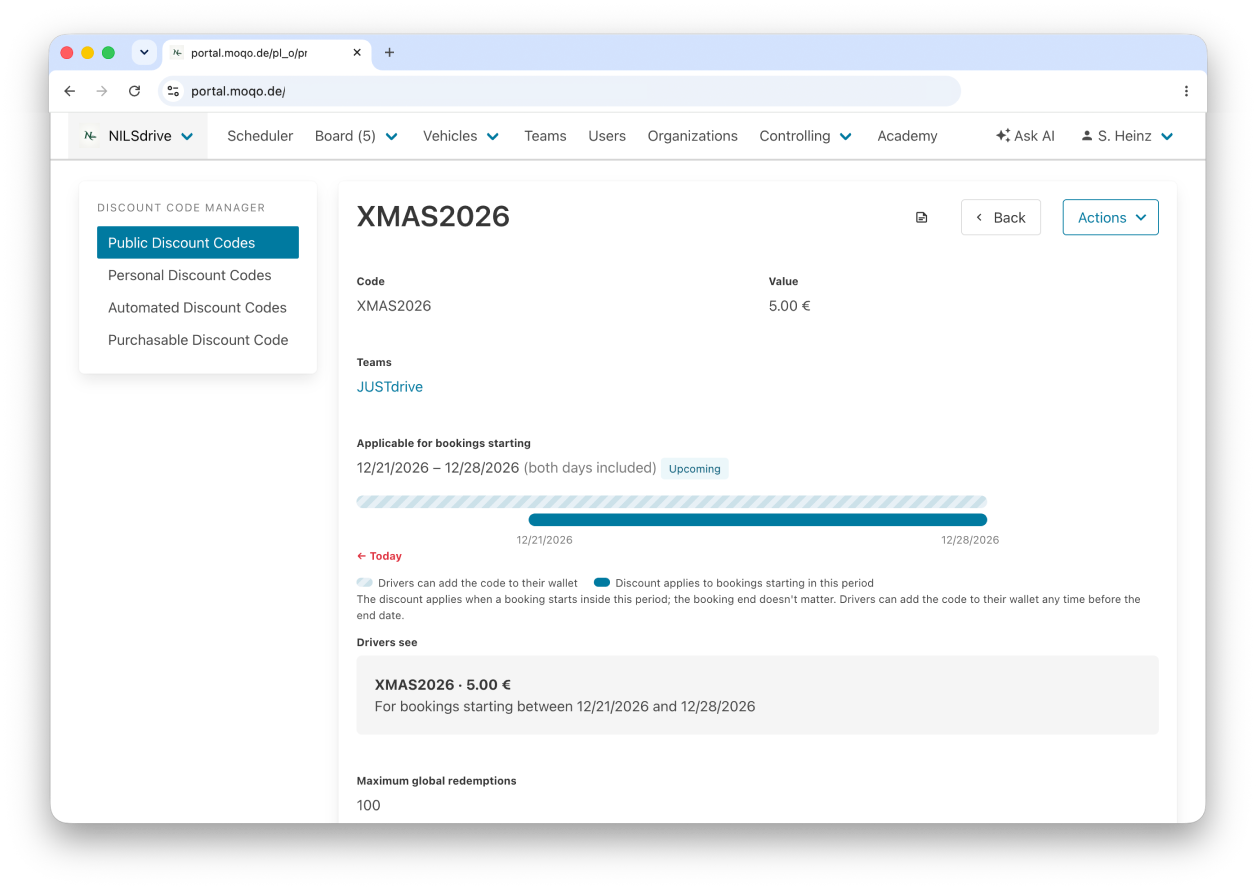
Planning a holiday campaign? Instead of setting separate start and end dates, you can now define a single booking window in days for public and personal discount codes. After redeeming the code, drivers have that many days to start their booking. A timeline and a preview of what drivers see show you the result before you save. Existing codes with validity dates keep them.
⚡ Improved · 📊 Analytics · 🤖 AI
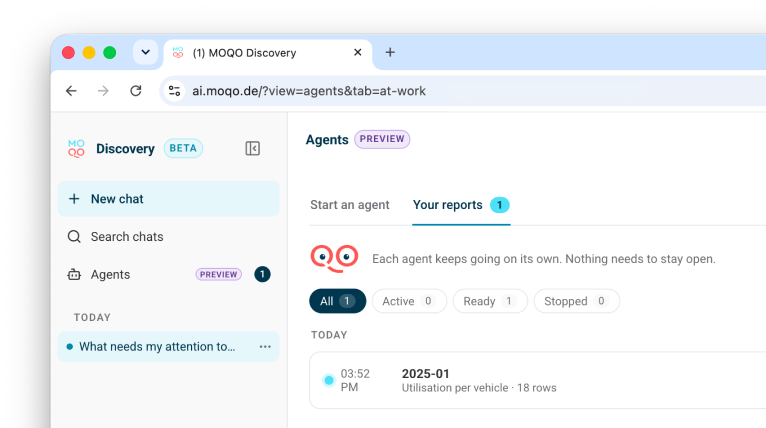
We've been shipping weekly updates to the assistant since October 1. Here are the highlights:
Press Feedback next to the input field and the chat asks what you want to tell us. Your message goes to the MOQO team, and the assistant confirms it arrived.
Our AI webinar series started with "Master the Provider Board: Ticket solving with AI". Watch the recording → Invitations for the next parts follow by email.

✨ New · 🪪 Driver
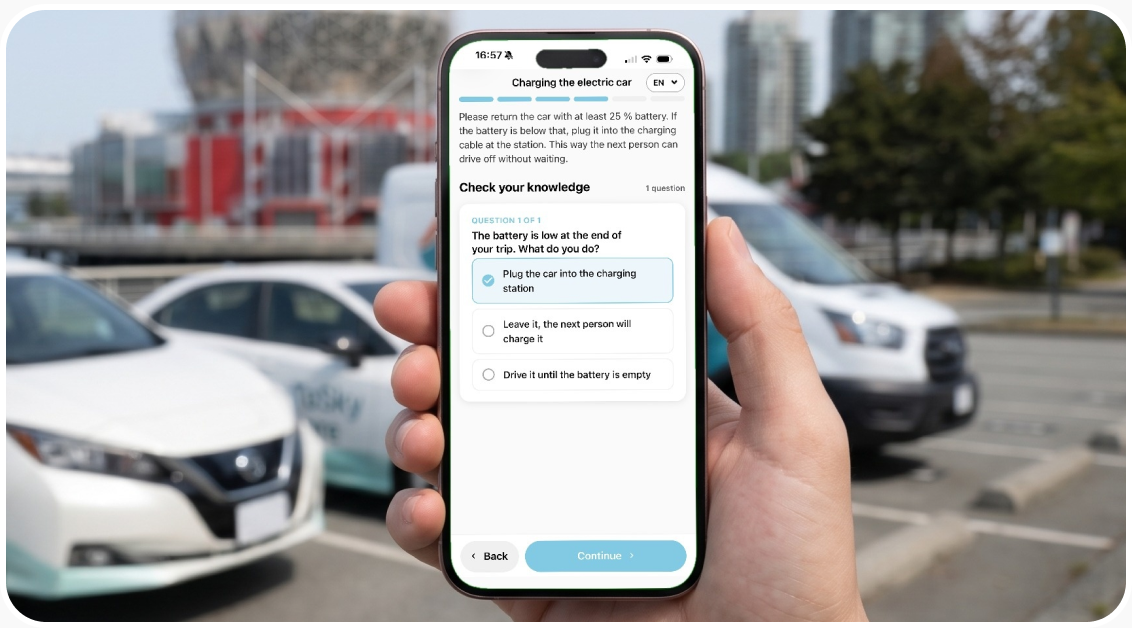
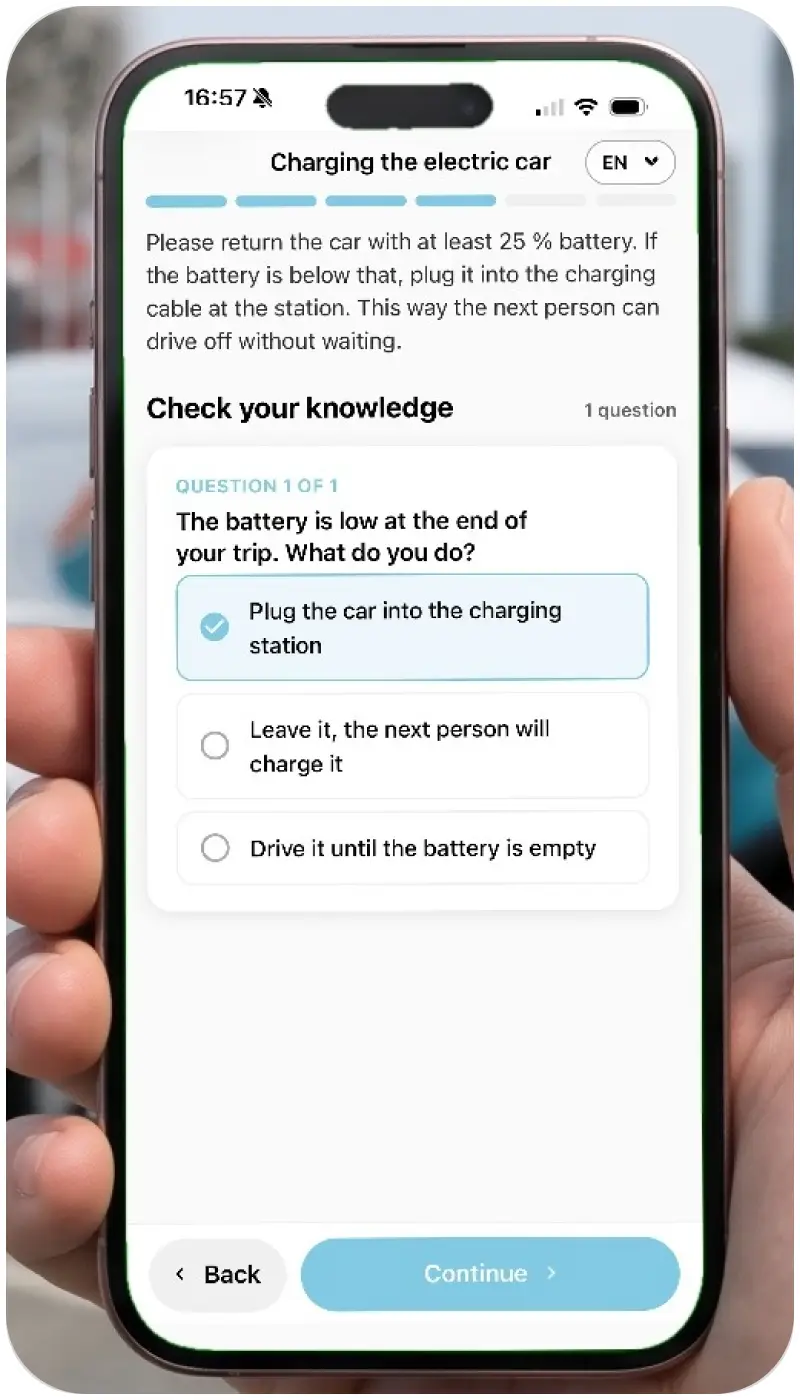
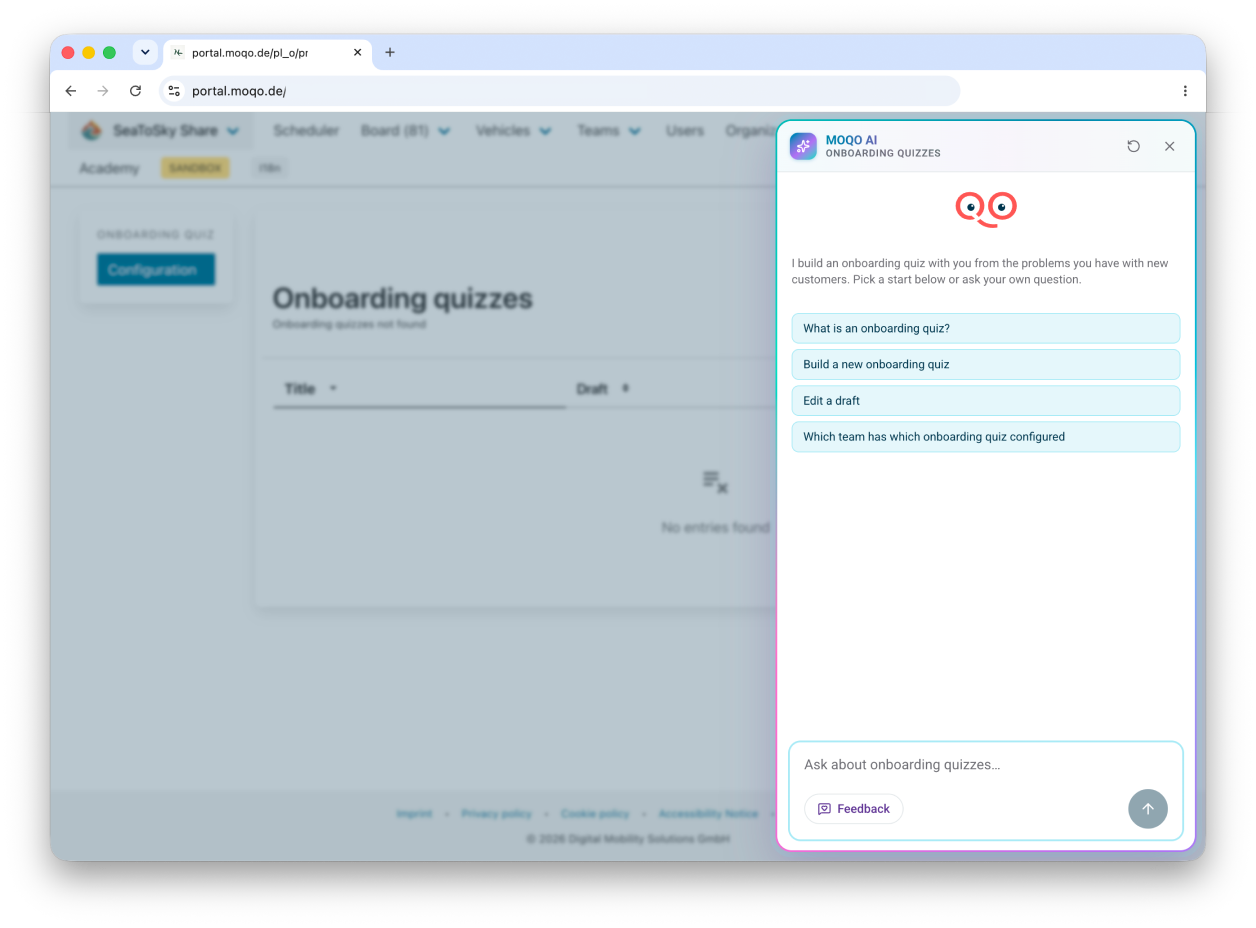
New drivers have a short list of things to finish: confirm their email, verify their driver's license, add a payment method, maybe pass a quiz. Now that checklist is front and center, and the quiz looks like your brand.
Available from the Pro plan. We'll show the full setup in our next Product Review, see below.
⚡ Improved · 📅 Booking
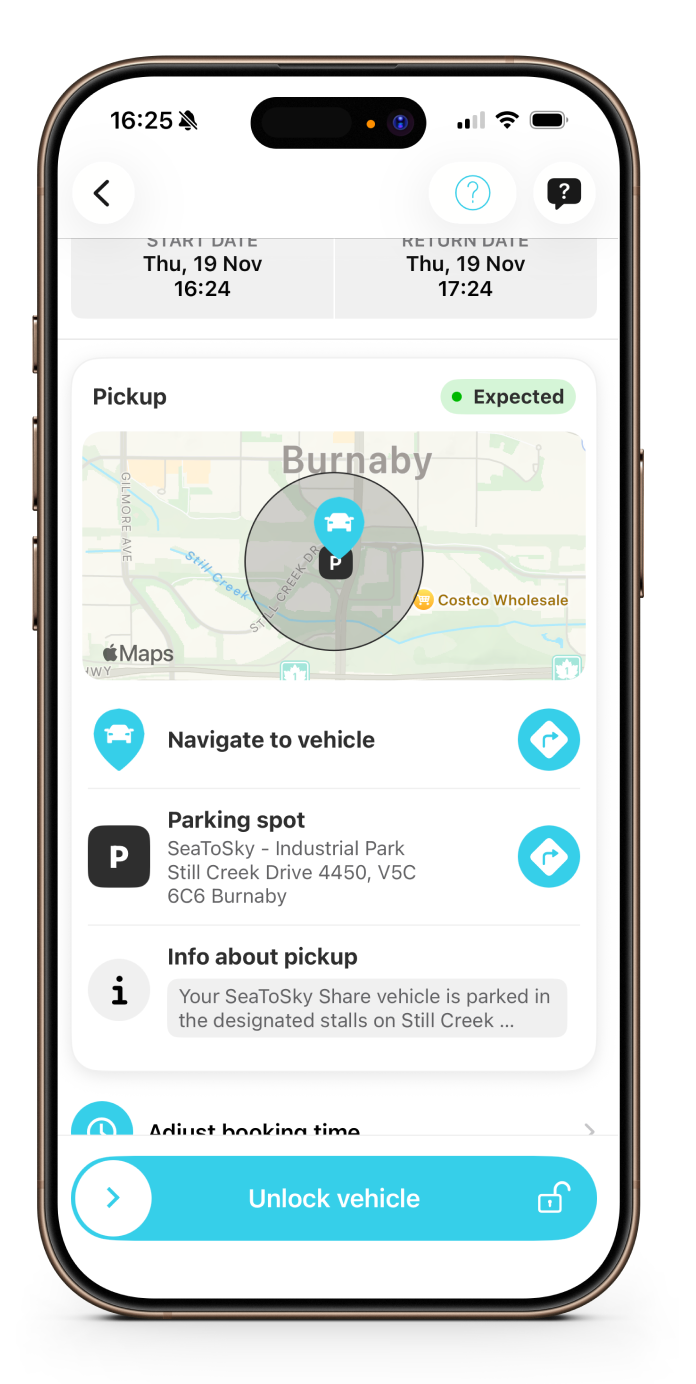
Drivers now see one location card with a small map and separate rows for the vehicle's current location and its designated parking spot. To protect the previous driver's privacy, the exact position appears a little later, and the card says when. Tapping a row opens the place in the maps app. During the trip, the card shows the return area, and the vehicle location always reflects where the car really is, not just its assigned parking address.
⚡ Improved · 🔒 Security
If your team uses the app PIN, starting a booking is now secured with the phone's own screen lock (Face ID, Touch ID or passcode). Nothing extra to set up or remember, and it works the same for Single Sign-On users.
✨ New · 🪪 Driver
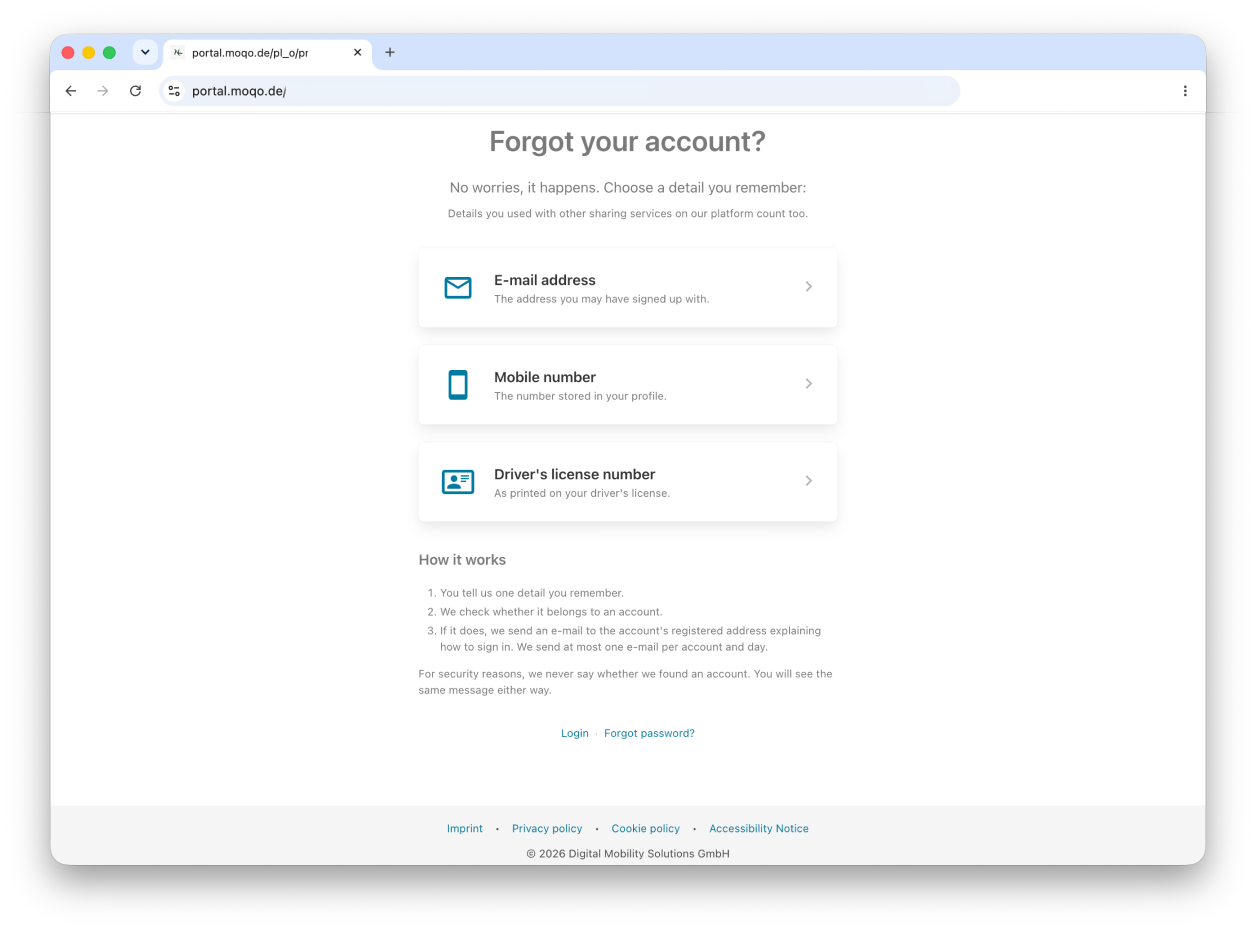
Drivers who no longer remember how they signed up can look up their account by email address, mobile number or driver's license number. The account receives an email explaining how to sign in, including via Single Sign-On. The email about a blocked duplicate registration now explains this as well.
⚡ Improved · 💳 Payment
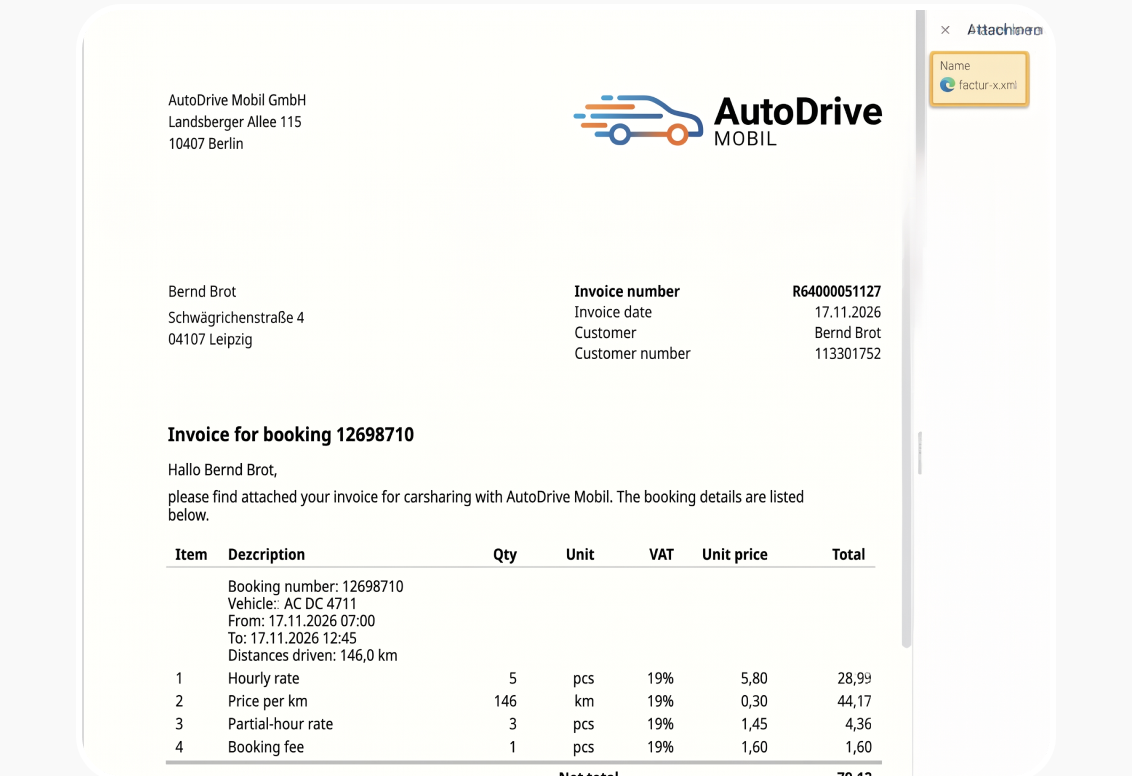
Invoices to private users now carry ZUGFeRD/Factur-X e-invoice data, just as invoices to organizations already did. Visually, nothing changes: the PDF looks the same as before, with the structured XML data (factur-x.xml) embedded right inside. Self-employed drivers booking on a private account can import it straight into their accounting software. The data uses the EN 16931 profile, which every business has to accept.
📢 Announcement
May 11–12, 2027 at the digitalCHURCH in Aachen. Save the date →
